About EasyLink
A WordPress-native automation workspace for teams that want fewer manual steps
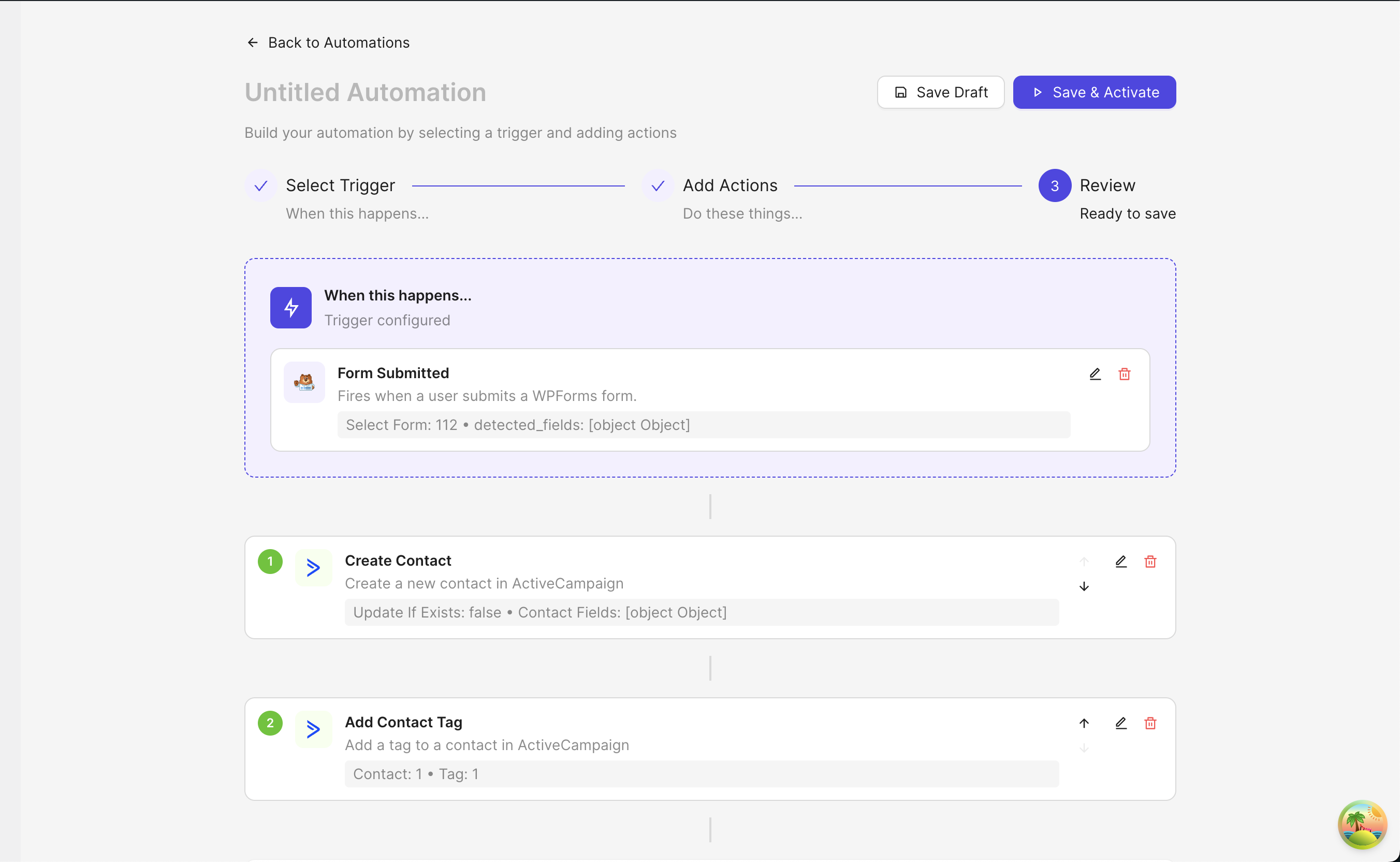
EasyLink Automations helps WordPress site owners, developers, and agencies connect forms, orders, courses, users, CRMs, sheets, webhooks, and team tools from one visual workflow builder.
Why we build
Automation should feel like part of WordPress, not another platform to manage.
Most WordPress businesses already run on a mix of forms, stores, membership tools, LMS plugins, CRMs, spreadsheets, email platforms, and team chat. EasyLink brings those workflows closer to the site where the data starts.
The goal is simple: help admins automate repeatable work without custom code, while giving developers enough visibility into connections, mapping, execution logs, and webhook behavior to trust what is running.
Principles
Built for real WordPress operations
EasyLink focuses on the workflow details that make automation dependable for growing sites and agencies.
WordPress-first workflows
Triggers and actions are designed around the way WordPress sites, plugins, orders, users, and custom data actually work.
Practical visibility
Connection testing, field mapping, and execution logs help teams understand what ran, what failed, and what needs attention.
Room to grow
Start free with essential automations, then unlock deeper Pro coverage when stores, courses, memberships, and teams scale.
160+
supported platforms across WordPress and external tools
578
triggers for forms, stores, LMS, memberships, communities, and more
813
actions for CRMs, sheets, email platforms, team apps, support tools, and APIs
Start automating
Bring your WordPress workflows into one place.
Install the free plugin, test an automation, and upgrade when you need deeper connectors and multi-step workflows.